
How to Process a Unit Through Repair & Service
Once a unit has been sent to service, follow these steps to work it through the repair process.
1. Find the Service Order
- Go to Orders.
- Click Repair & Service.
- Select the Assessment tab.
- Do not look under Pending or Received.
- Fleet service orders will appear in the order list.
- Fleet orders will:
- Start in Assessment.
- Display the unit’s Category and SKU where the customer name normally appears.
- Show a Fleet tag next to the status.
- You can also use the Customer / Fleet filter to find the unit.
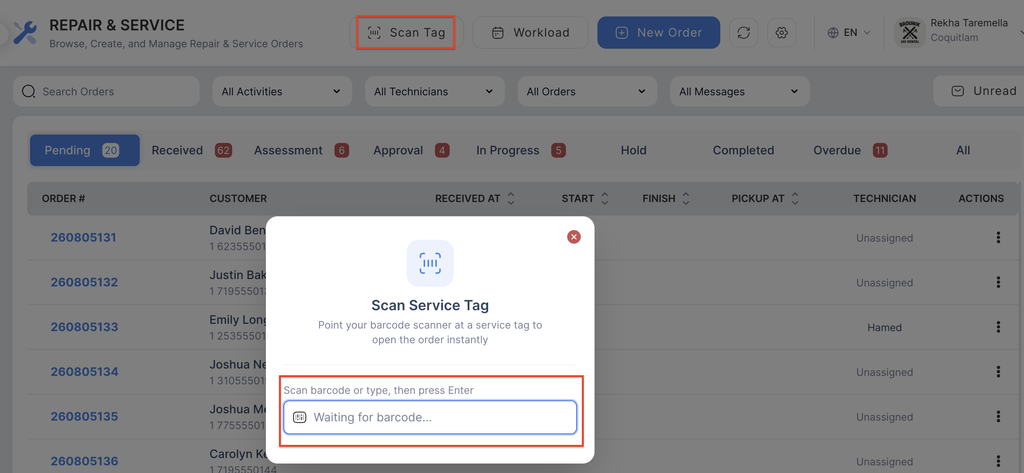
- If a service tag was printed, scan the service tag barcode from the order list to open the service order directly.
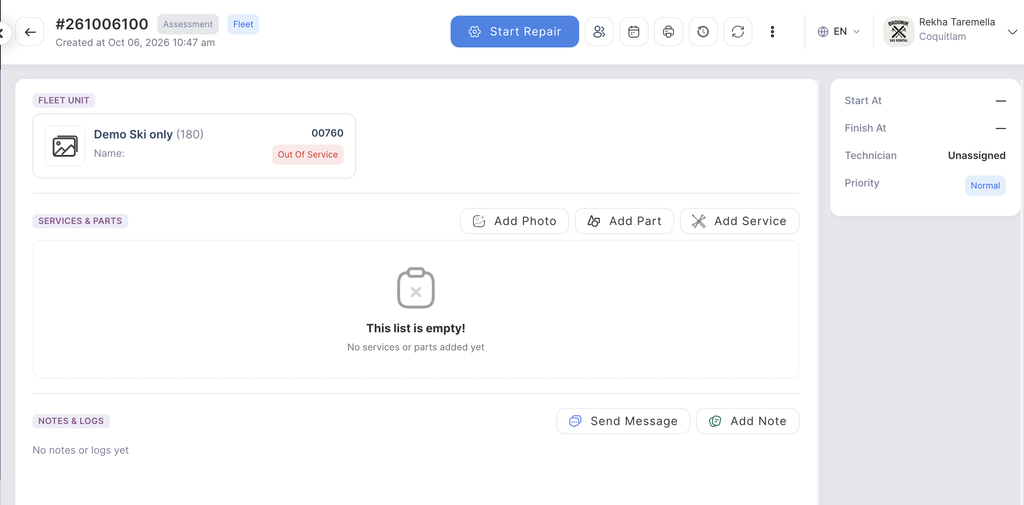
Next: Open the service order to begin the assessment and repair process.