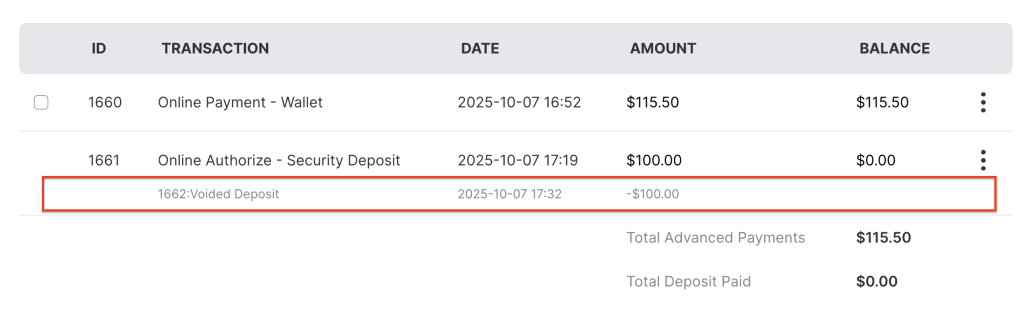
The Void Authorized Amount feature allows businesses to cancel a previously authorized payment. Depending on the system settings, the authorization can be voided automatically after the order is returned, or manually using the void option to release the held amount.
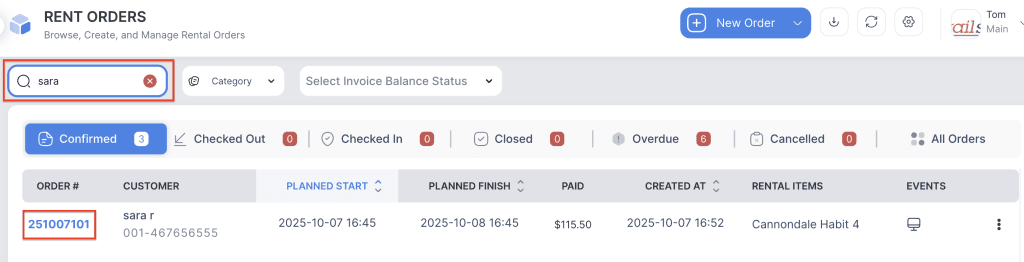
- Log in to your rental platform. From the left-side menu, select Orders → Rent Orders.


2. Search for the main customer name or order number in the search box and click on the Order Number to open the reservation.
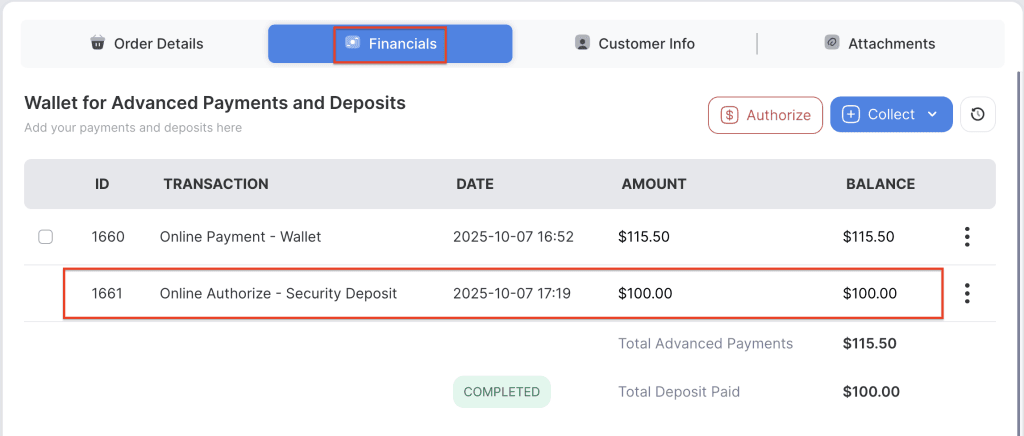
3. Go to the Financials tab.
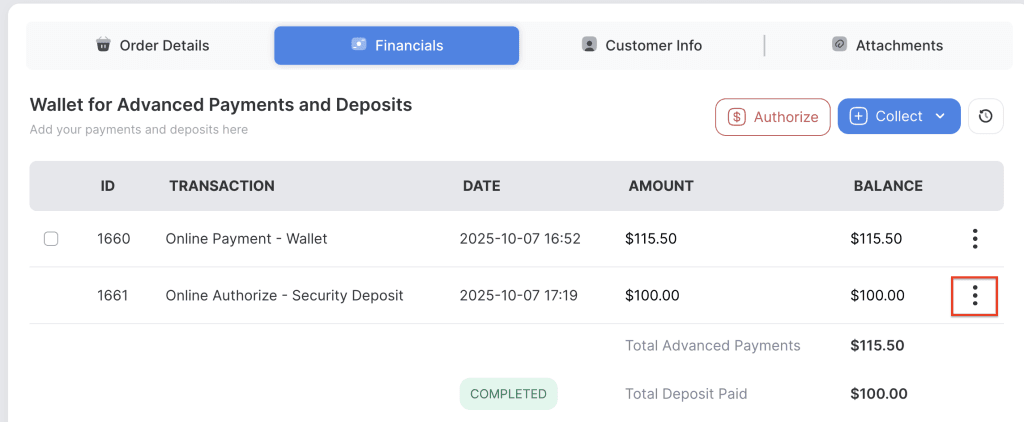
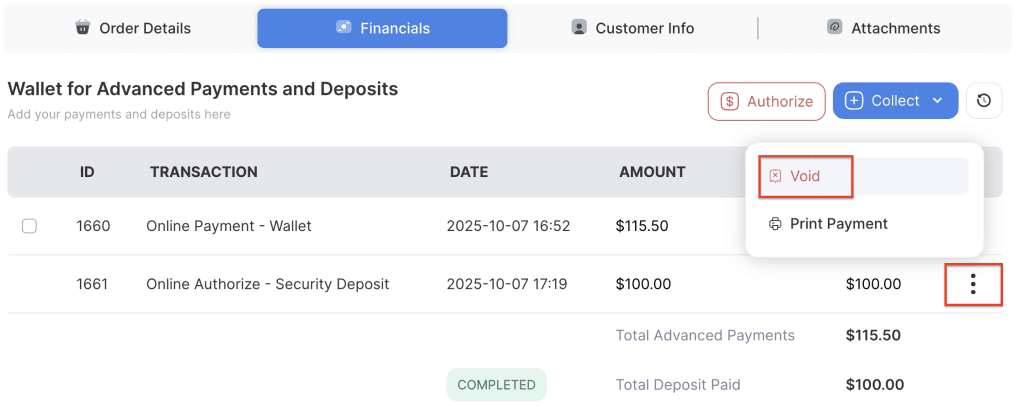
4. Click on the three-dot menu next to the authorized amount you want to void.
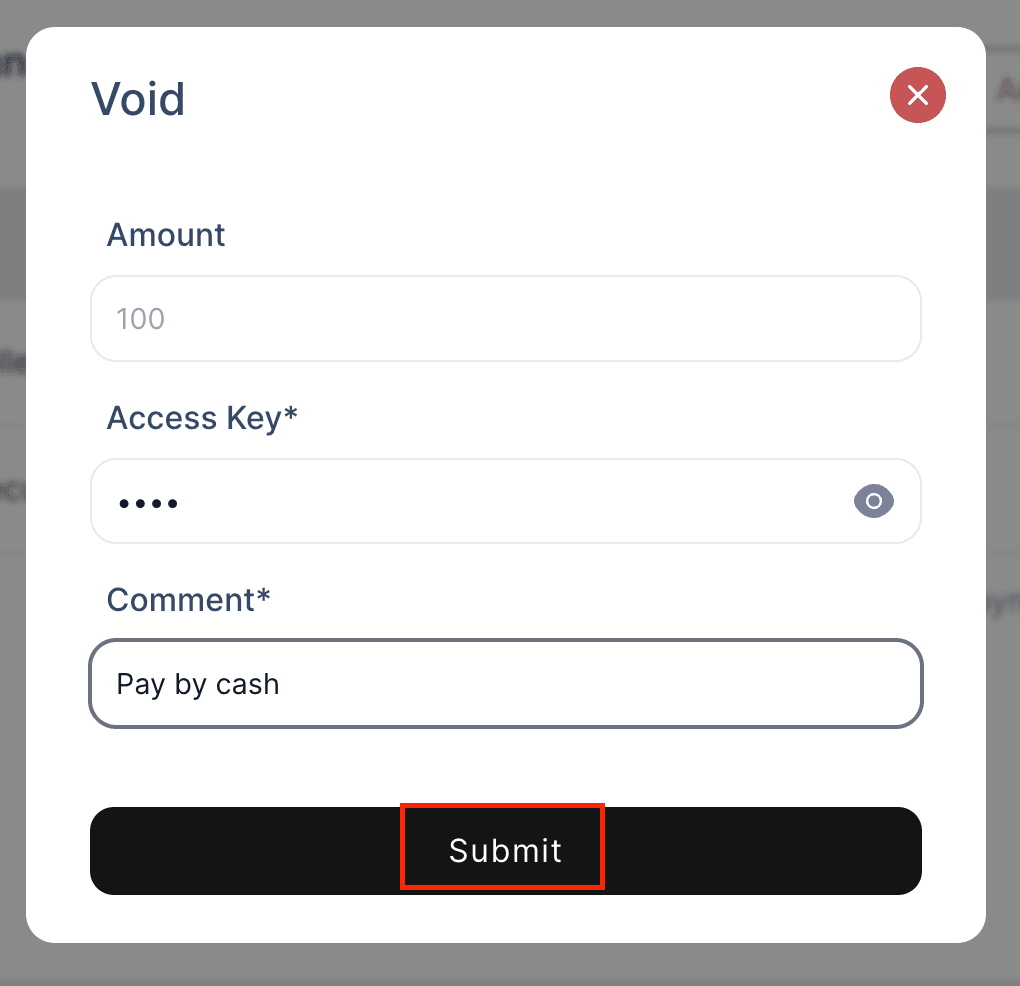
5. Click on the Void button, enter the access key and a comment, then click the Submit button to complete the process.
6.A new line will be added to the list indicating that the deposit has been voided.