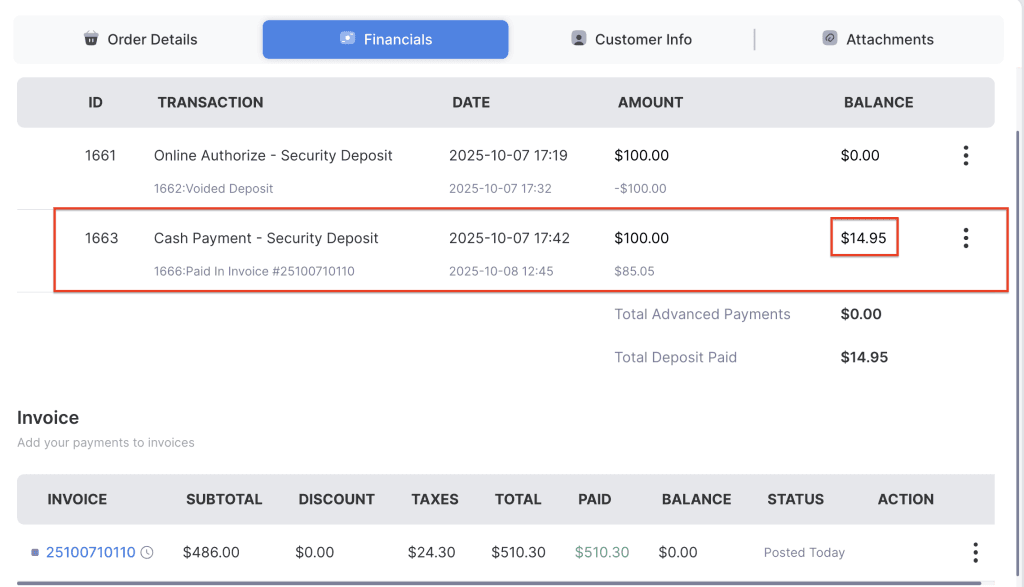
The Collect Payments with Security Deposit feature allows businesses to collect a pre-authorized amount from the customer as a security deposit. This authorized amount ensures coverage for potential damages, losses, or incomplete returns, and is held on the customer’s card until the order is completed or returned.
1. Log in to your rental platform. From the left-side menu, select Orders → Rent Orders.
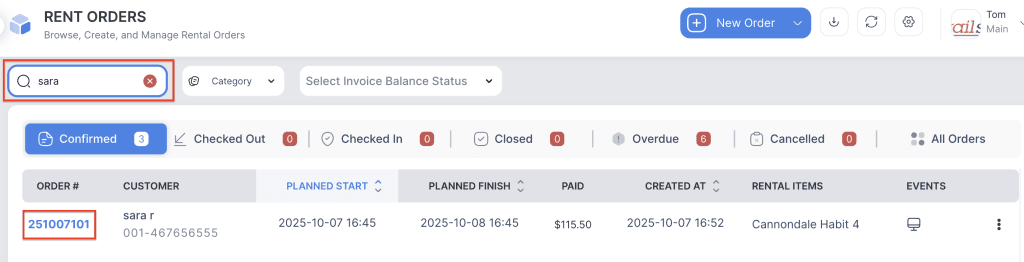
2. Search for the main customer name or order number in the search box and click on the Order Number to open the reservation.
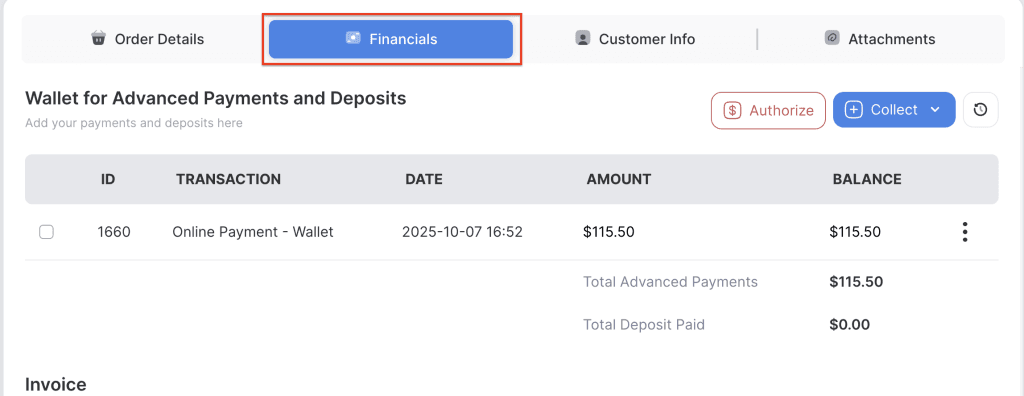
3. Go to the Financials tab.
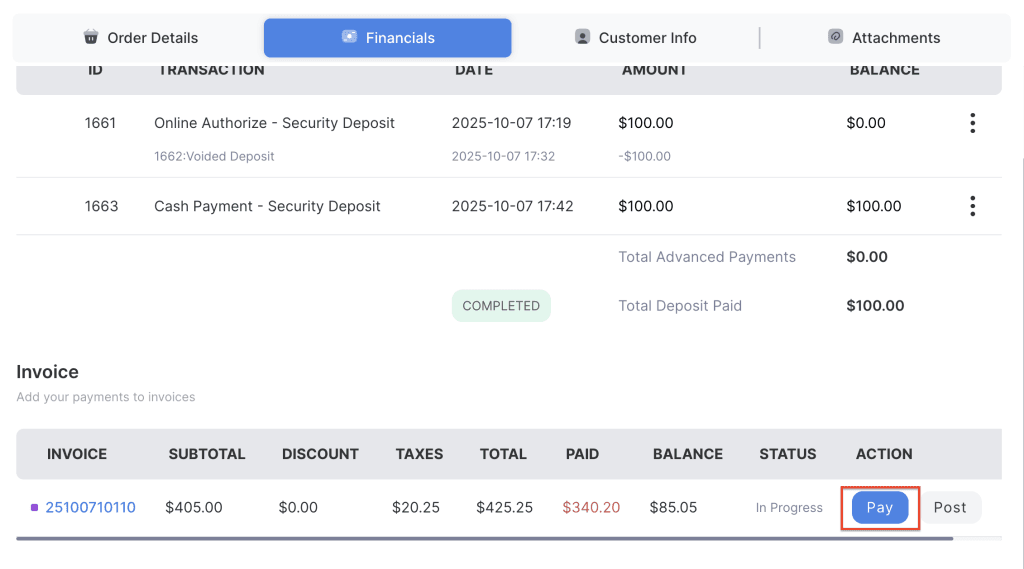
4. Click the Pay button on the invoice.
5. Click the Deposit button and select which deposit amount you want to apply as a payment.
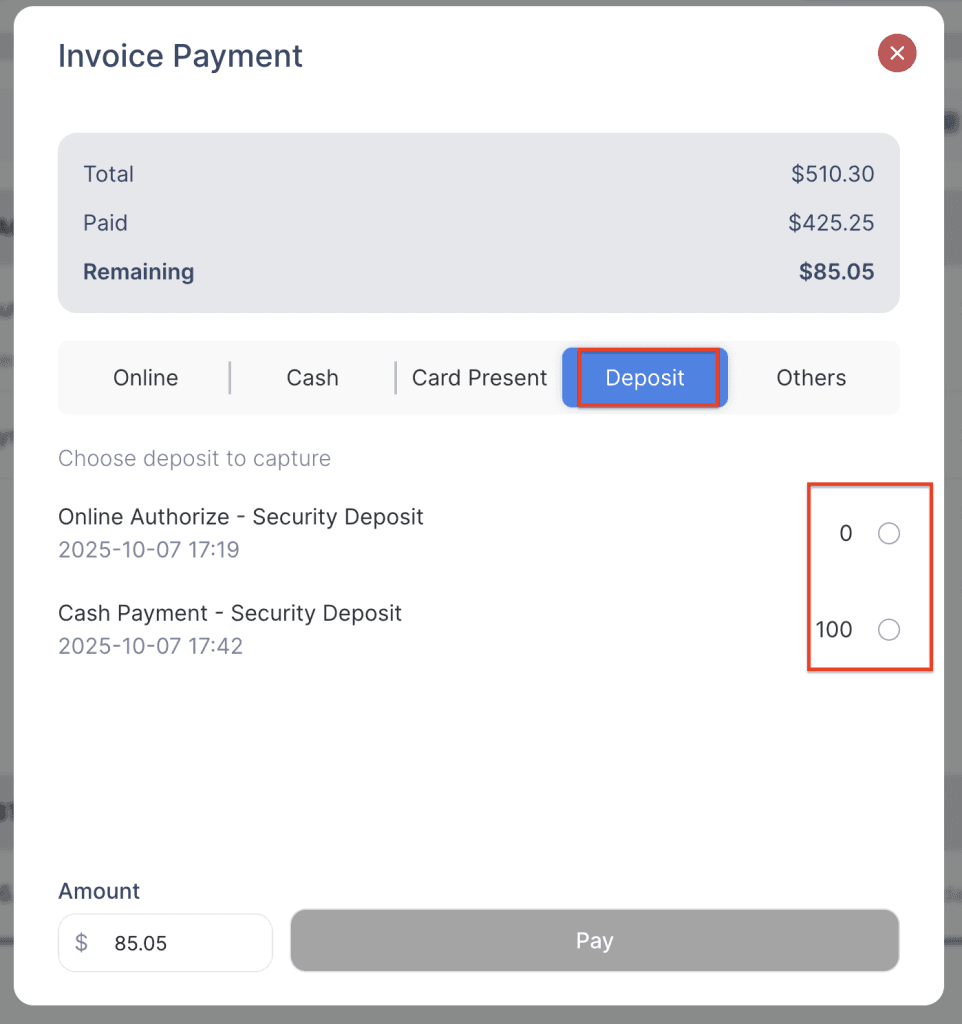
6. Collect either the full deposit amount or a partial amount as payment.