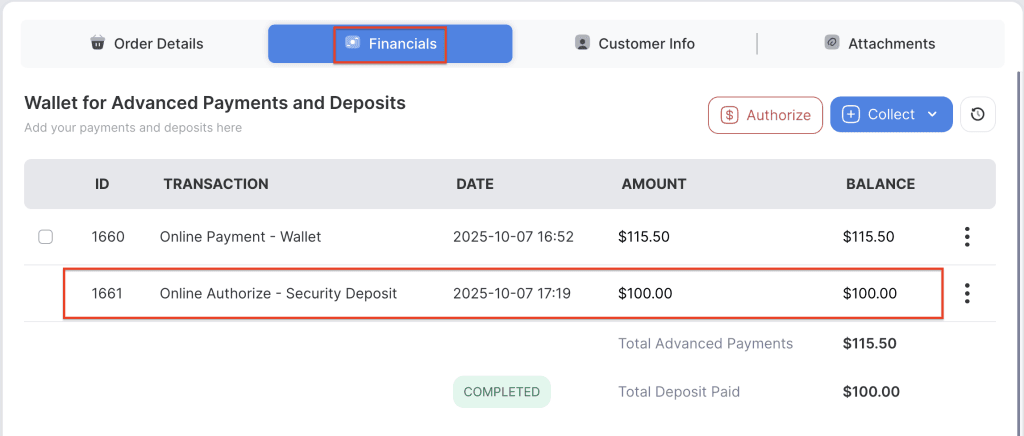
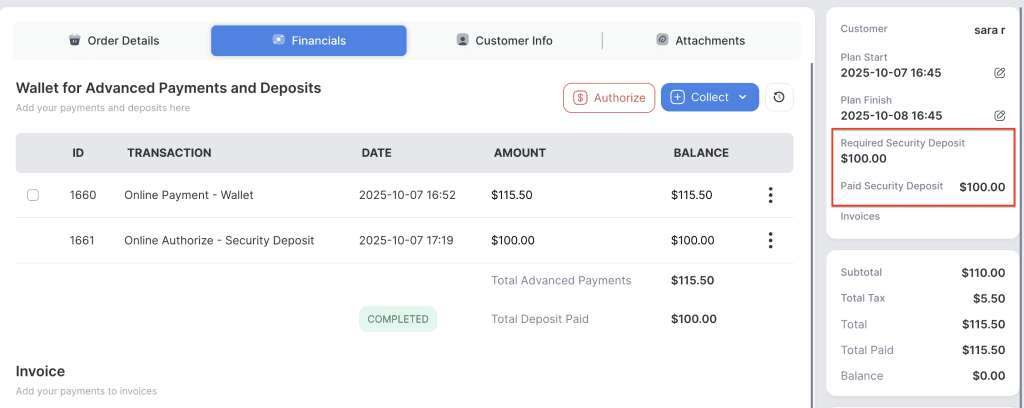
The Auto Hold on Card for Security Deposit feature automatically authorizes the customer’s card on file for the security deposit when items are delivered. This ensures that a pre-approved amount is held to cover potential damages, losses, or incomplete returns, without requiring manual authorization.
Note: The held amount will remain on the customer’s card for 5–7 business days, depending on the bank, before it is released.
- Log in to your rental platform. From the left-side menu, select Orders → Rent Orders.


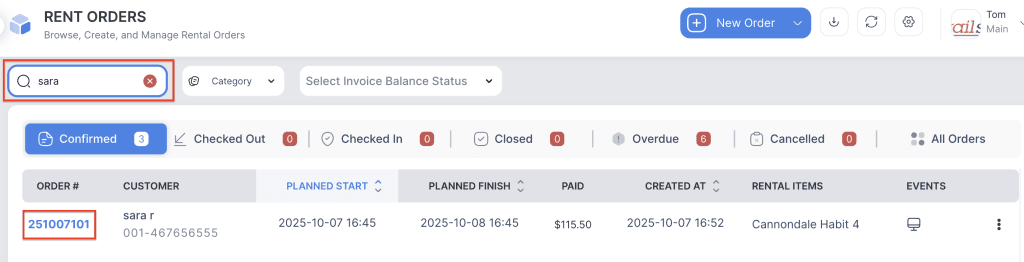
2. Search for the main customer name or order number in the search box and click on the Order Number to open the reservation.
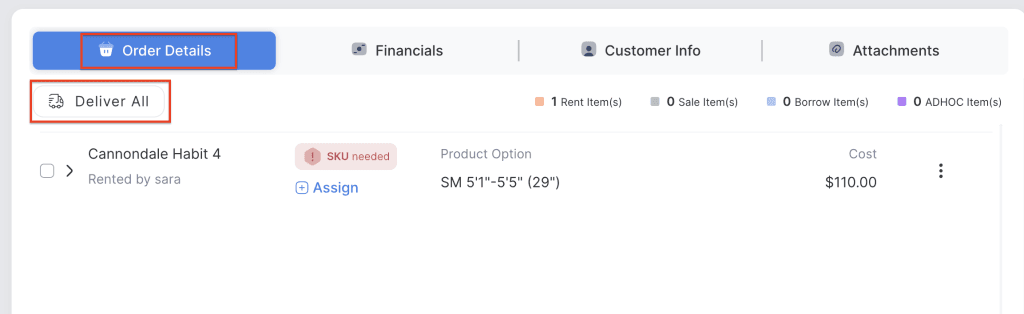
3. Click on Deliver All button to deliver the order or Select only one checkbox if you want to deliver for a single item.
4. Go to the Financials tab. The customer card on file will automatically authorize the amount at the time of delivery.