
The Export List feature allows you to export all the orders from the system into a file format for reporting or record-keeping purposes. You can export the orders in either CSV or PDF format.
- CSV Export: Useful for data analysis or importing into spreadsheets.
- PDF Export: Ideal for sharing or printing summarized order information.
- Log in to your rental platform. From the left-side menu, select Orders → Rent Orders.


2. Click on the Export button and select the export type (CSV or PDF).

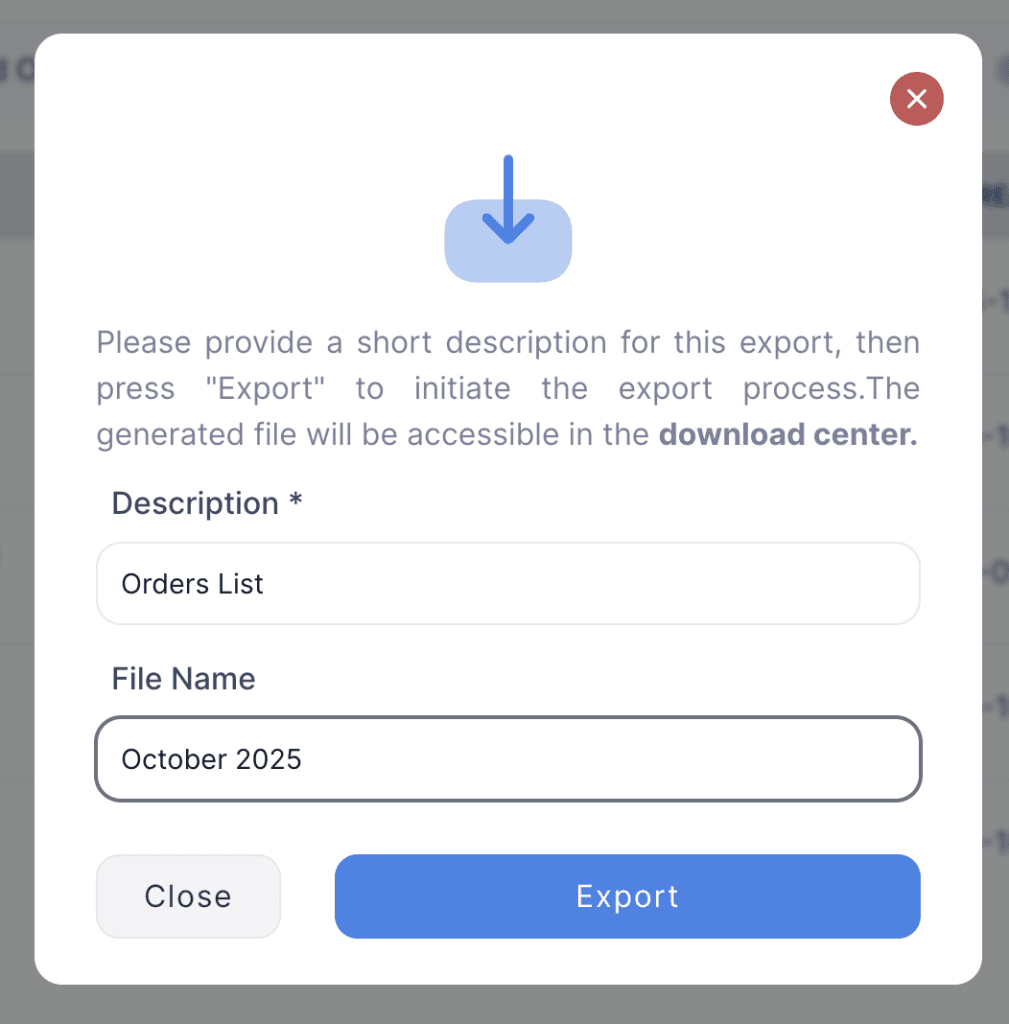
3. Enter the description and file name, then click Export.
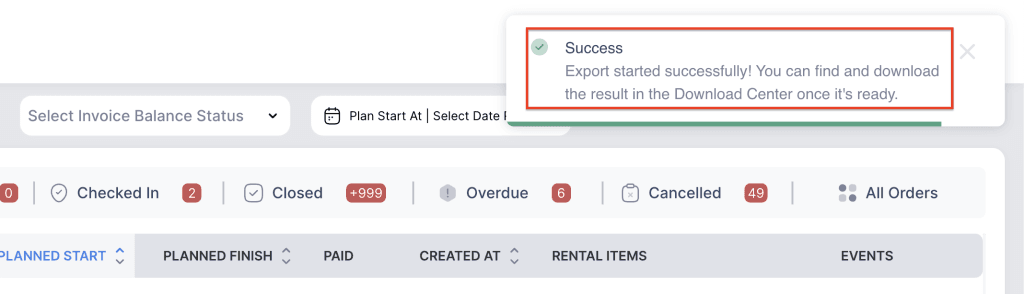
4. Go to the Download Center from the left side menu.
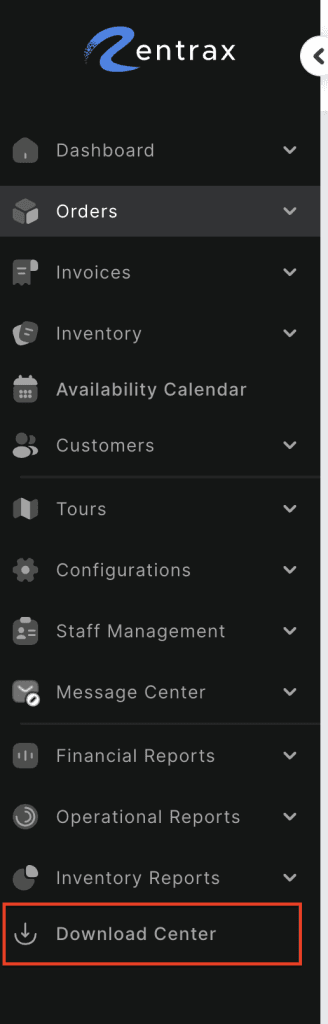
5. Click the Download button to save the file to your system.
