
Use the search bar to quickly find orders based on the customer’s first name, email, phone number, or order number. This feature helps you locate orders efficiently without browsing through the entire list.
- Log in to your rental platform. From the left-side menu, select Orders → Rent Orders.


2. Click on Search Orders and enter the customer’s first name, email, phone number, or order number to quickly locate the desired order.
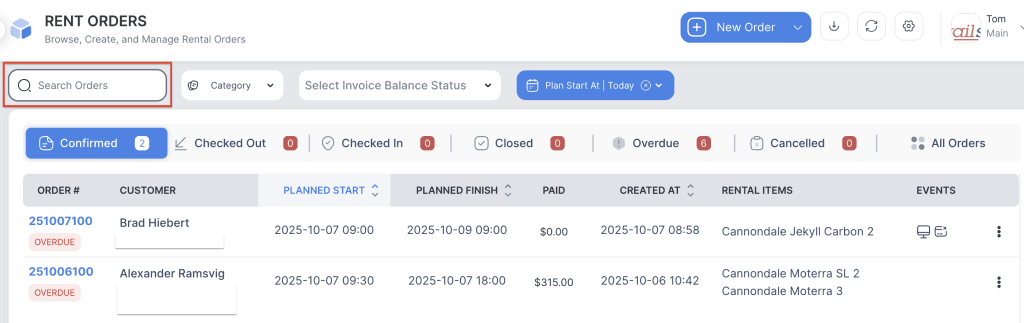
3. The order will appear under the Renter Orders list.