The Phone Order Form is used when a customer calls the store to request a reservation. This option allows staff to create and manage bookings on behalf of the customer while still giving them access to digital features like payments and waivers.
Some of the Key Features
- Staff-Created Orders
Staff can quickly create reservations based on the customer’s request over the phone. - Integrated Payments
- The payment process is flexible:
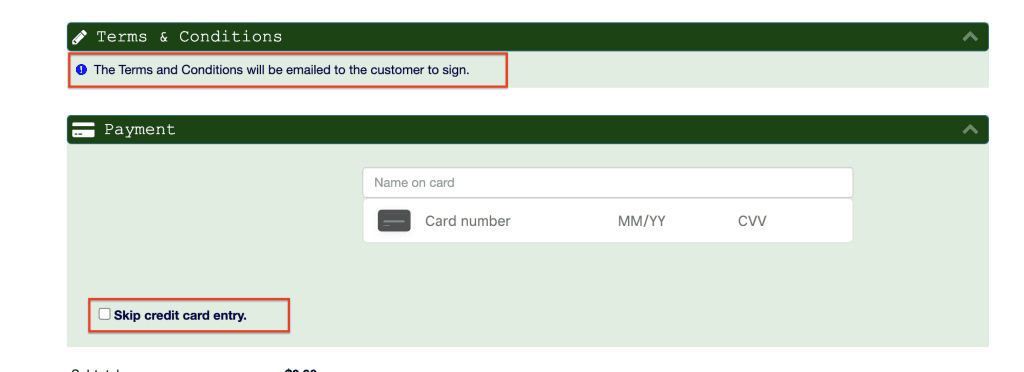
- By default, staff can send a payment link via email for customers to enter their card details securely.
- Alternatively, staff can collect card details over the phone and enter them directly into the system.
- The payment process is flexible:
- Digital Waivers & Terms
- By default, the system sends the terms and conditions and waiver to the customer by email for electronic signature. This ensures everything is completed before the rental begins.
- Advance Reservations
Customers can reserve equipment ahead of time over the phone, just like with online or in-store bookings.
Access to Phone Order Form
- Log in to your rental platform. From the left-side menu, select Orders → Rent Orders.
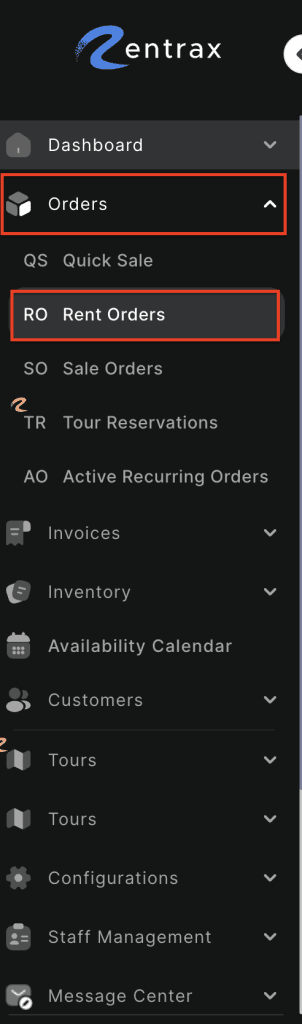
2. Click on the New Order button and choose Phone Reservation.

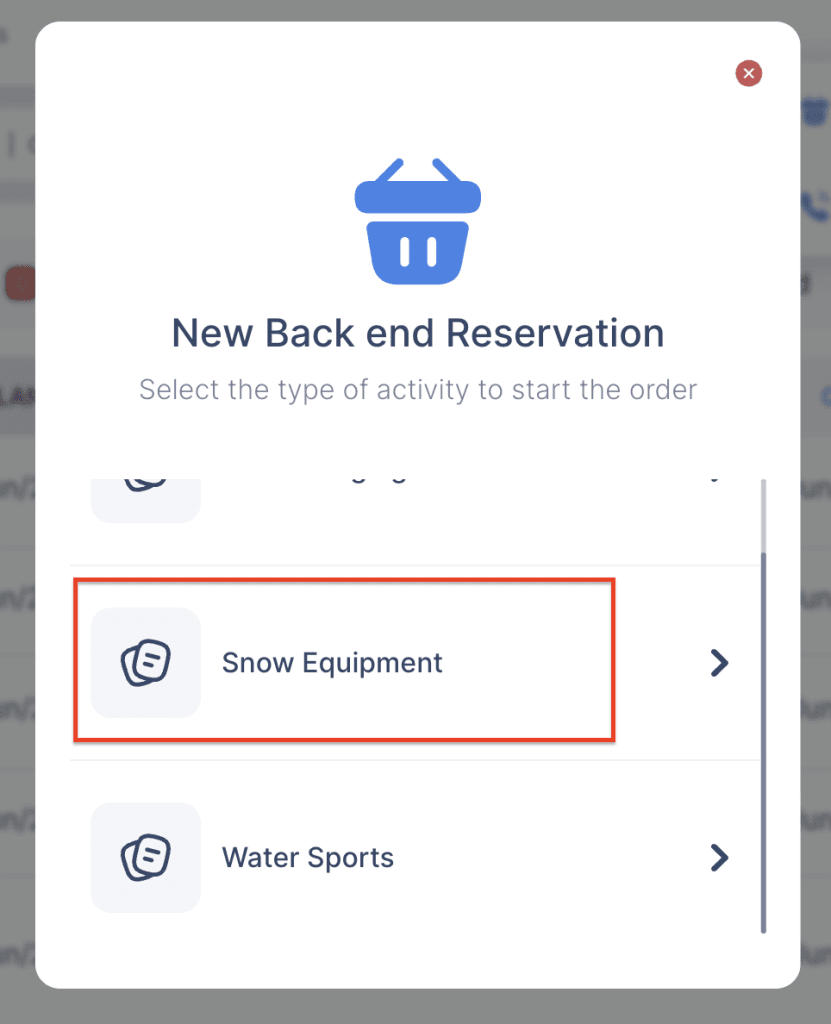
3. If your store supports multiple activities, choose the activity you want to create the order for.
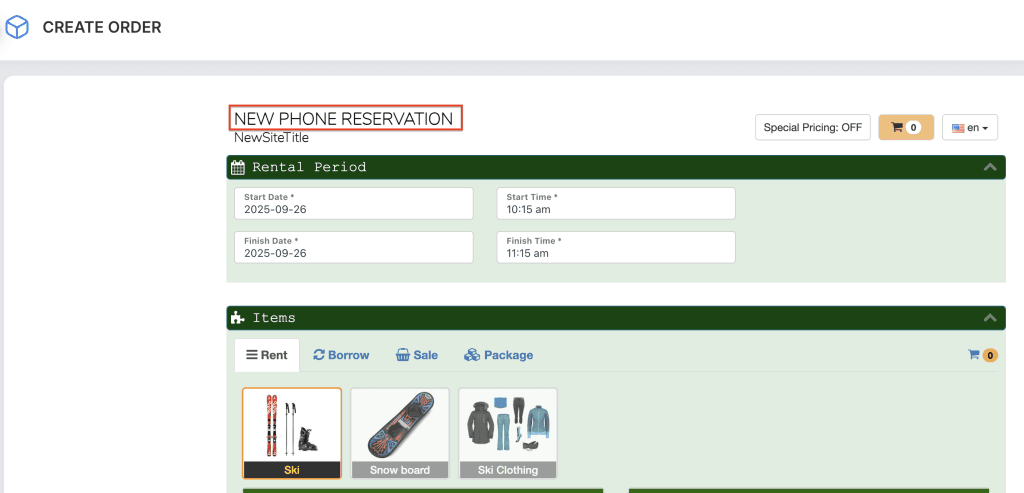
4. The Backend Order Form will now open and be available for staff to complete.
5. By default, staff can send a payment link via email for customers to enter their card details securely by clicking on Skip credit card entry. Alternatively, staff can collect card details over the phone and enter them directly into the system.
6. By default, the system sends the terms and conditions and waiver to the customer by email for electronic signature. This ensures everything is completed before the rental begins.