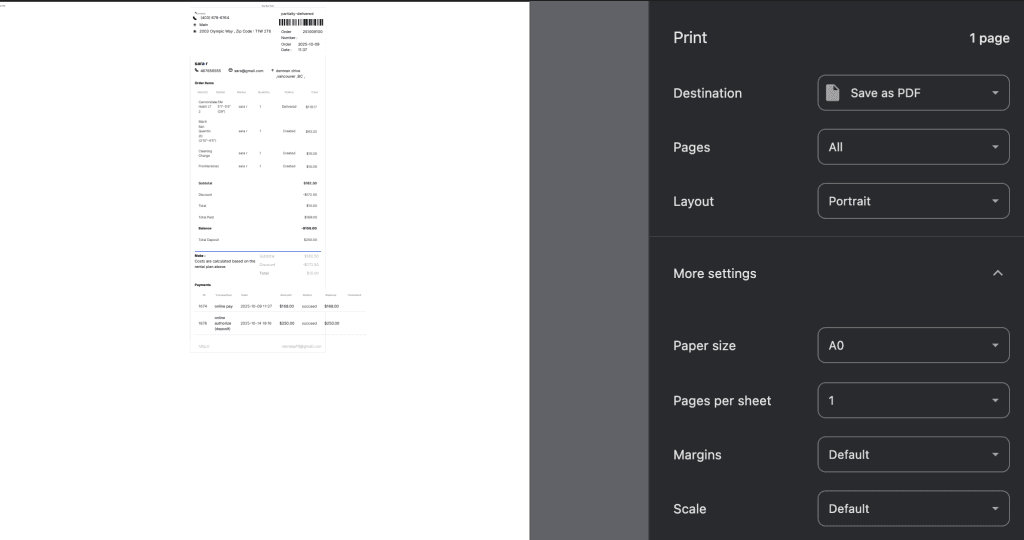
Use this option to generate and print a receipt for the customer after completing an order or payment. The receipt includes details such as items rented or purchased, pricing, taxes, and payment information.
- Log in to your rental platform. From the left-side menu, select Orders → Rent Orders.


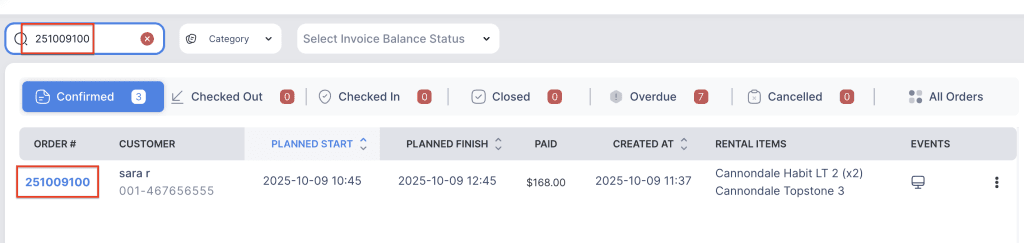
2. Search for the main customer name or order number in the search box.
3. Click on the Order Number to open the reservation.
4. Click on the three dot menu and choose “Print Order”.