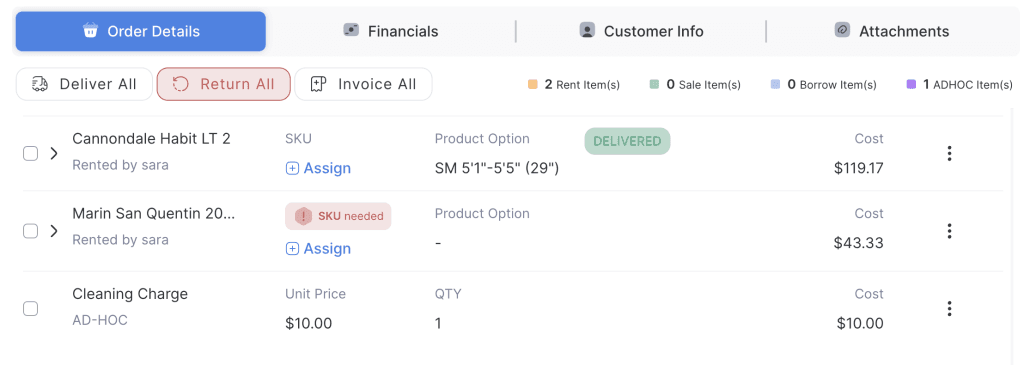
This option allows staff to remove or cancel a specific item from an existing order. When an item is canceled, it will no longer be included in the order summary,
- Log in to your rental platform. From the left-side menu, select Orders → Rent Orders.


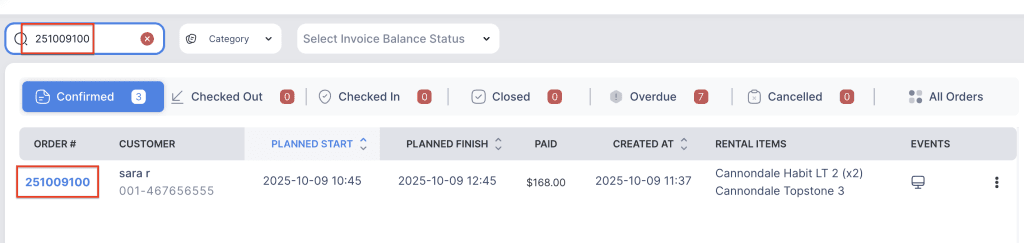
2. Search for the main customer name or order number in the search box.
3. Click on the Order Number to open the reservation.
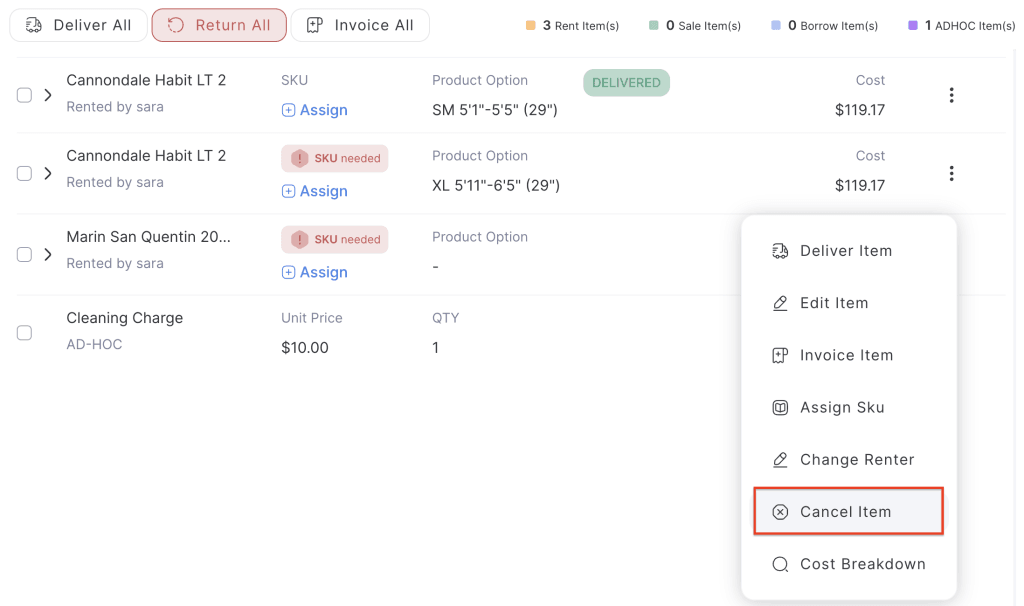
4. click on the three dot menu and choose Cancel Item button.
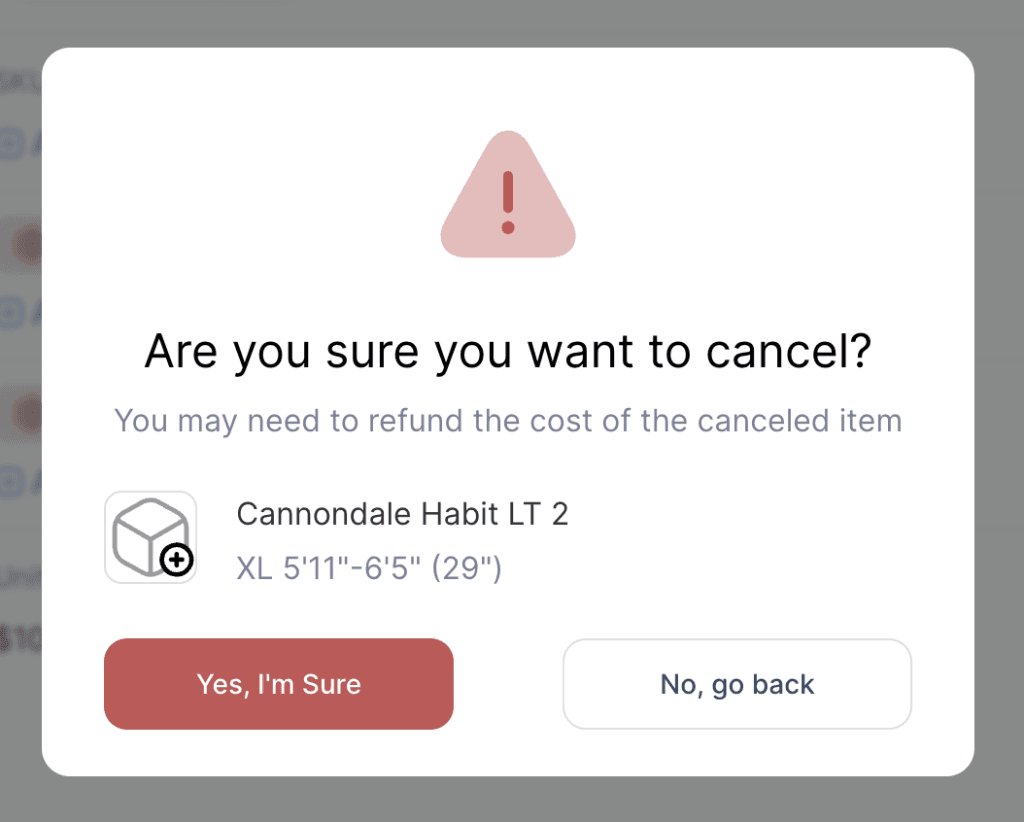
5. A confirmation popup will appear and choose “Yes” button.
6. The item will be removed from the order.