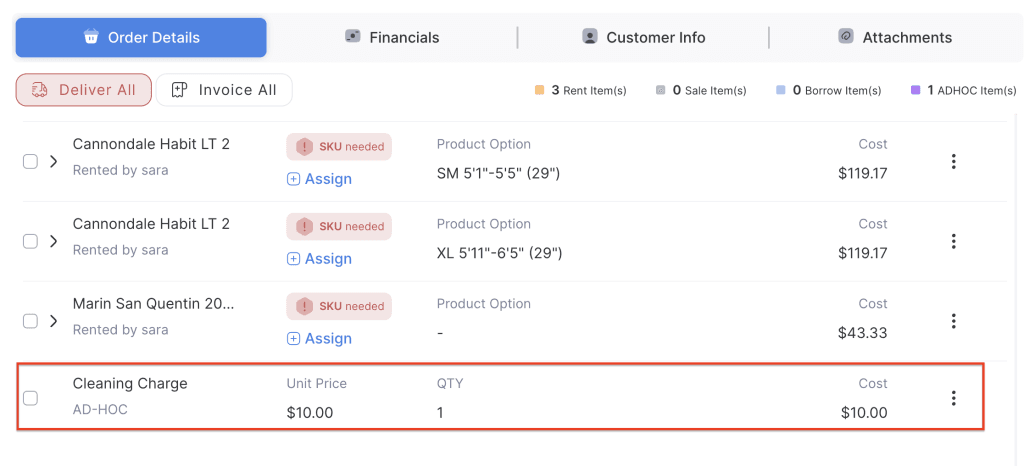
This feature allows staff to add custom charges to an order, such as service fees, damage fees, or any other special charge. You can enter a title and specify the amount, which can be positive or negative. Note that the system does not automatically calculate taxes for adhoc items, so if taxes apply, they should be calculated and included in the entered amount.
- Log in to your rental platform. From the left-side menu, select Orders → Rent Orders.


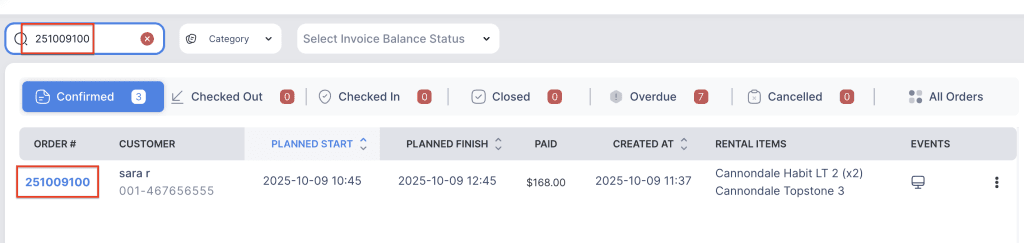
2. Search for the main customer name or order number in the search box.
3. Click on the Order Number to open the reservation.
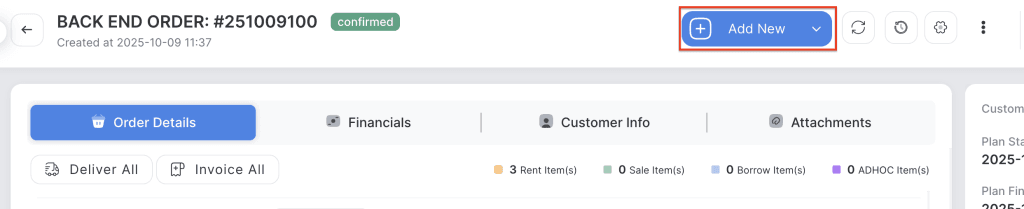
4. Click on the “Add New” button to add a custom amount to the order.
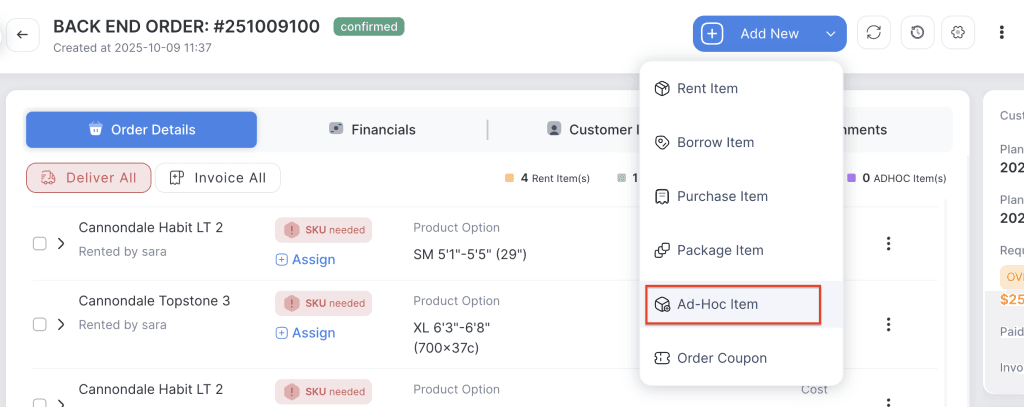
5. Choose the Ad-Hoc Item.
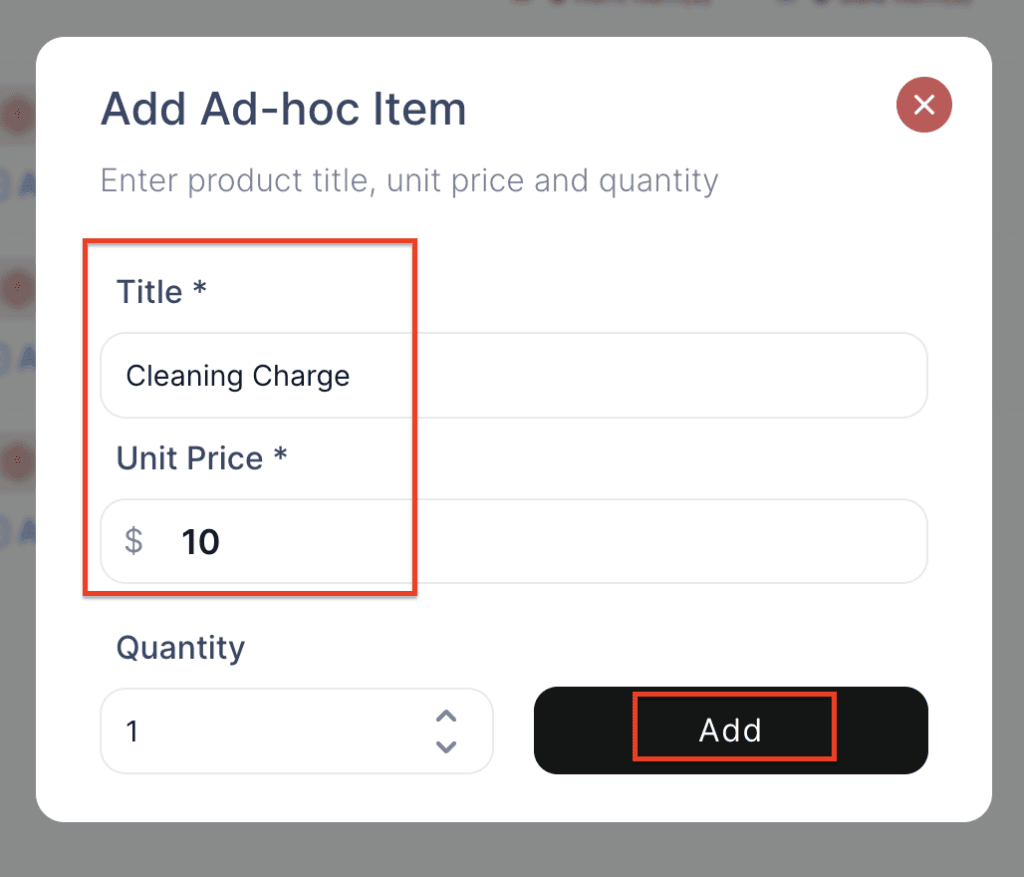
6. Enter the Title, Unit Price(can be Positive or Negative), select the quantity, then click Submit.
Note: The system does not automatically calculate taxes for adhoc items.
7. The new Ad-Hoc item will be added to the order.