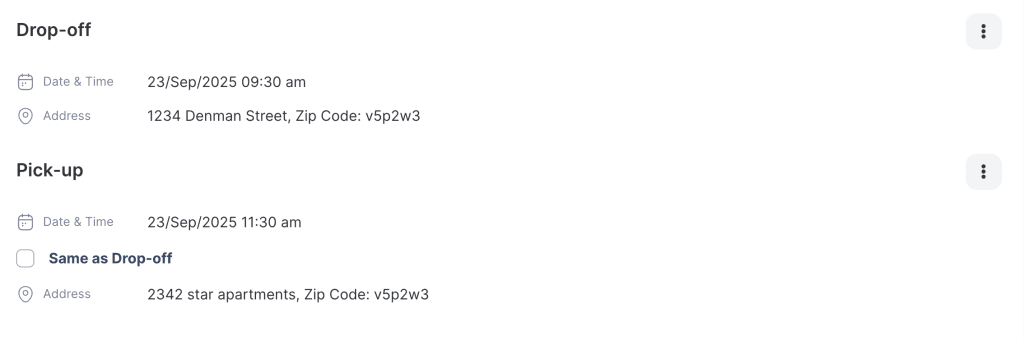
The Drop-off & Pickup feature allows businesses to deliver rental items directly to the customer’s location and later pick them up from the same or a different location. A delivery fee can be applied automatically based on the type of delivery selected.
- Drop-off: Delivering the rented item(s) to the customer’s specified location.
- Pickup: Collecting the rented item(s) from the customer’s location after the rental period ends.
This feature helps improve customer convenience and ensures accurate billing for delivery services.
- Log in to your rental platform. From the left-side menu, select Orders → Rent Orders.

2. Search for the customer name or order number in the search box.
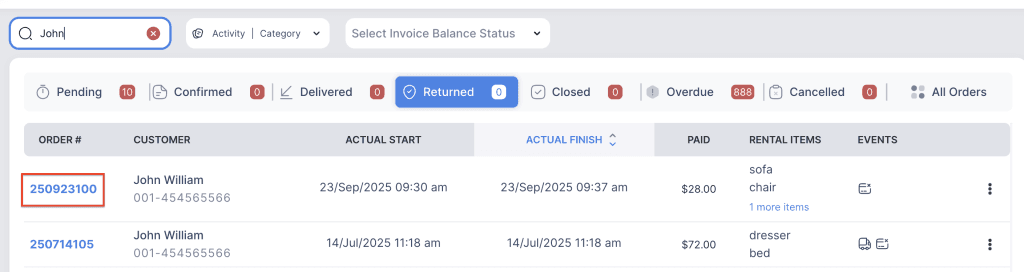
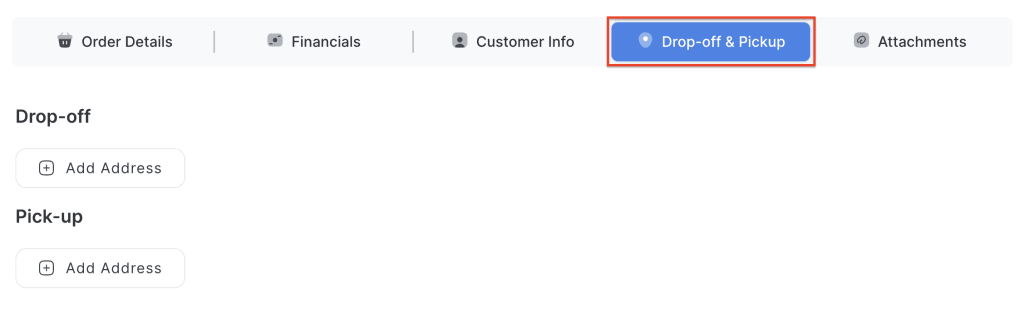
3. Click on the order number to open the reservation and go to Drop-off & Pickup tab.
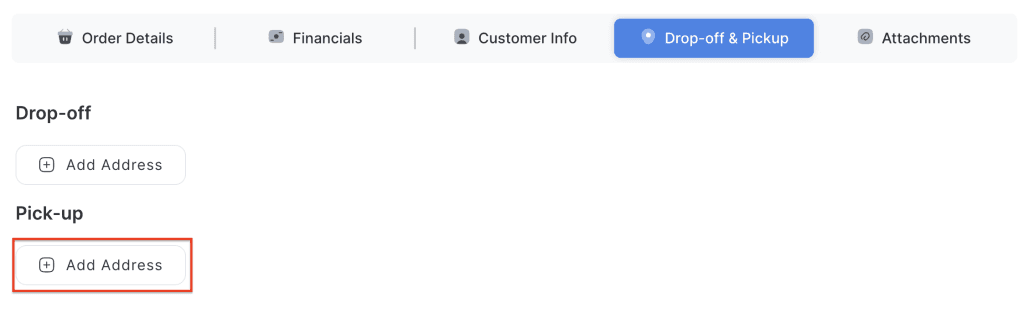
4. Click on the Add Address button to add a pickup location.
5. Enter the Address and Zip Code.
6. Select the Date and Time:
- Uncheck the box and choose a custom date and time.
- By default, it will use the Scheduled Start Time, OR
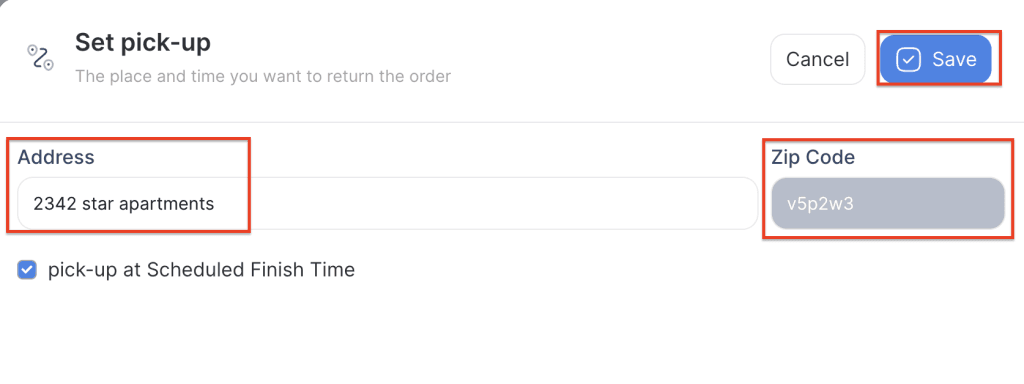
7. Click Save to apply the changes.