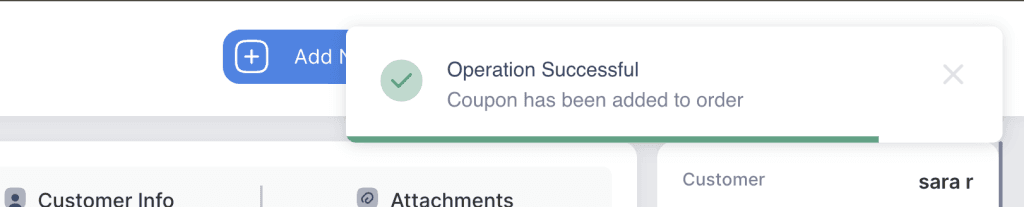
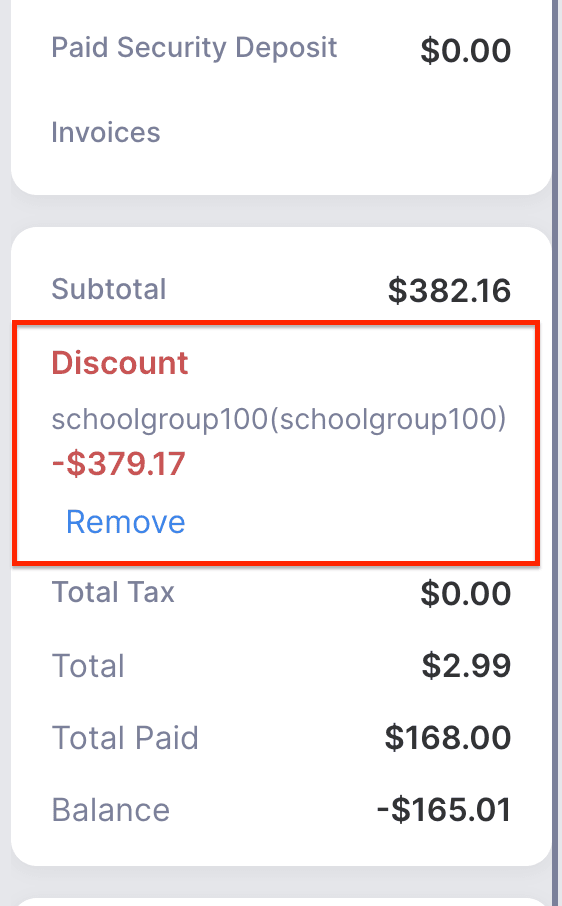
This feature allows staff to apply a coupon or discount code to an order. The system will validate the coupon and automatically adjust the order total based on the discount value.
- Log in to your rental platform. From the left-side menu, select Orders → Rent Orders.


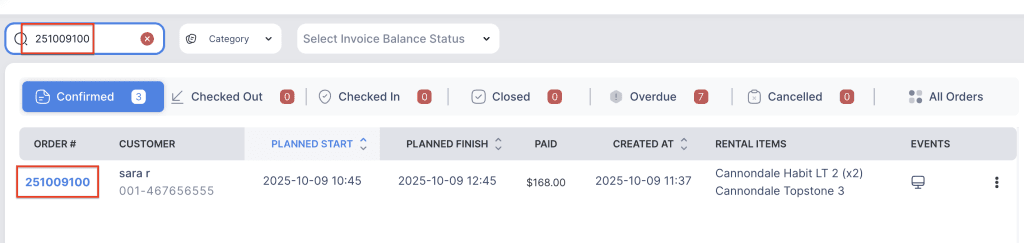
2. Search for the main customer name or order number in the search box.
3. Click on the Order Number to open the reservation.
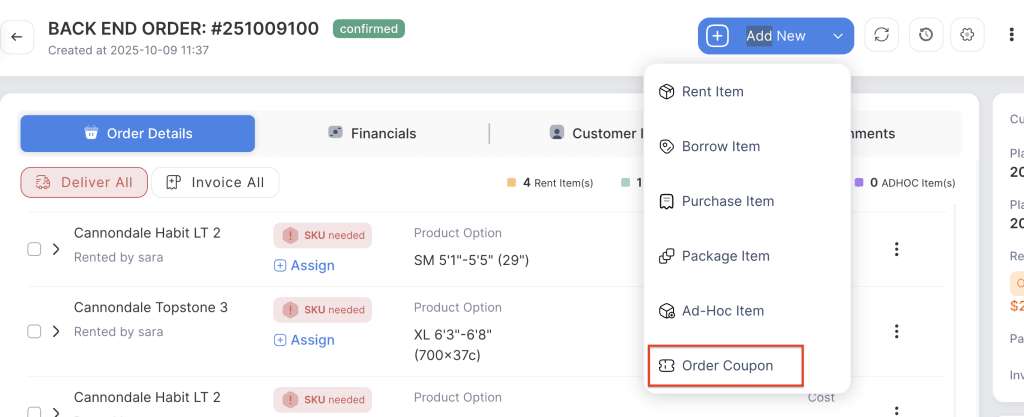
4. Click on the “Add New” button to add a discount to the order.
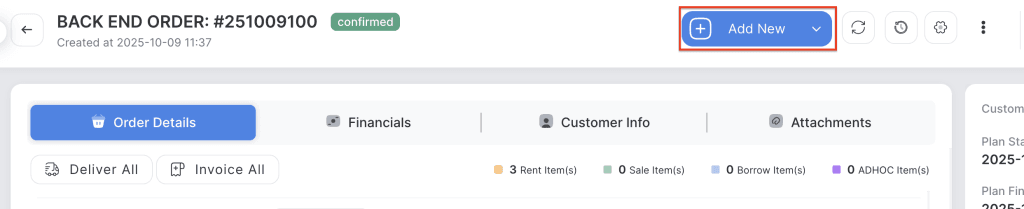
5. Choose the Order Coupon Item.
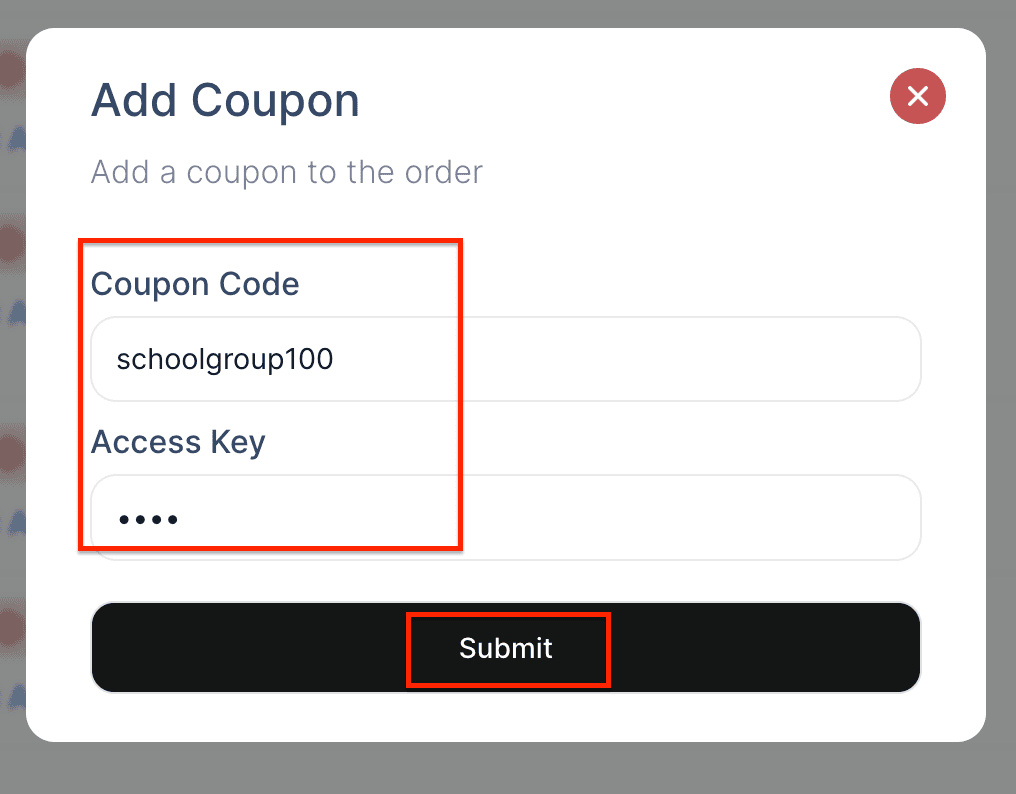
6. Enter the Coupon code and access key, then click Submit.
7. The new coupon item will be added to the order.