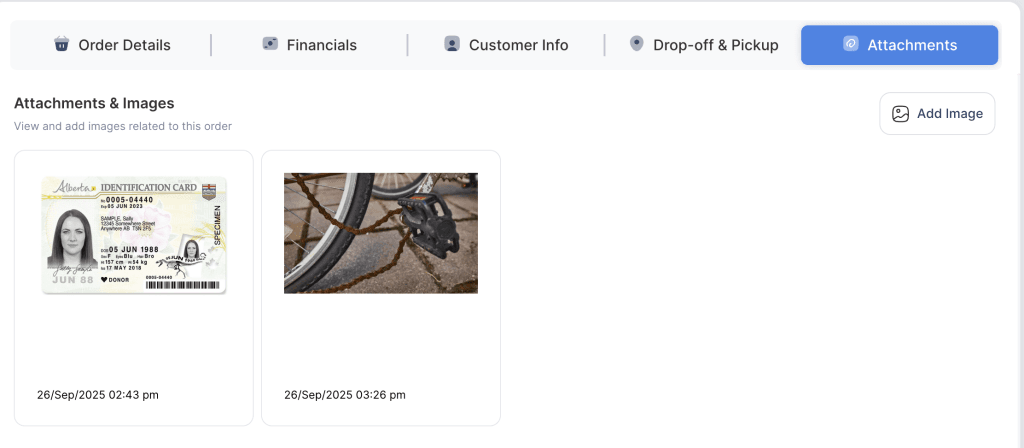
Staff members can upload and attach pictures (such as a driver’s license, photo ID, or proof documents) directly to an order from the backend. These pictures will be stored and linked with the order for future reference.
- Log in to your rental platform. From the left-side menu, select Orders → Rent Orders.


2. Search for the customer name or order number in the search box.
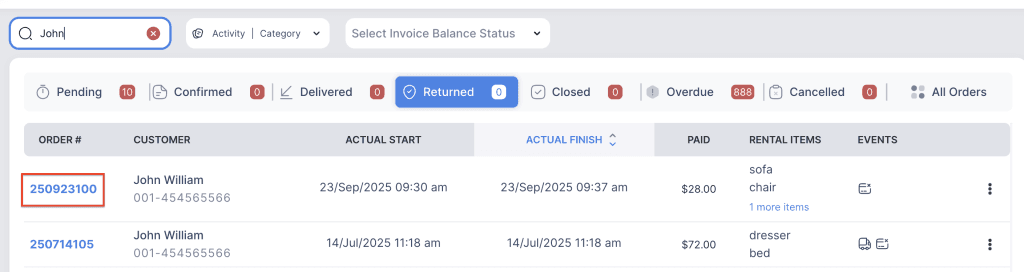
3. Click on the order number to open the reservation and go to Attachments tab.

4. Click on Add Image button to upload the picture.

5. Click Browse Files and select the image. Enter a title and description if needed.
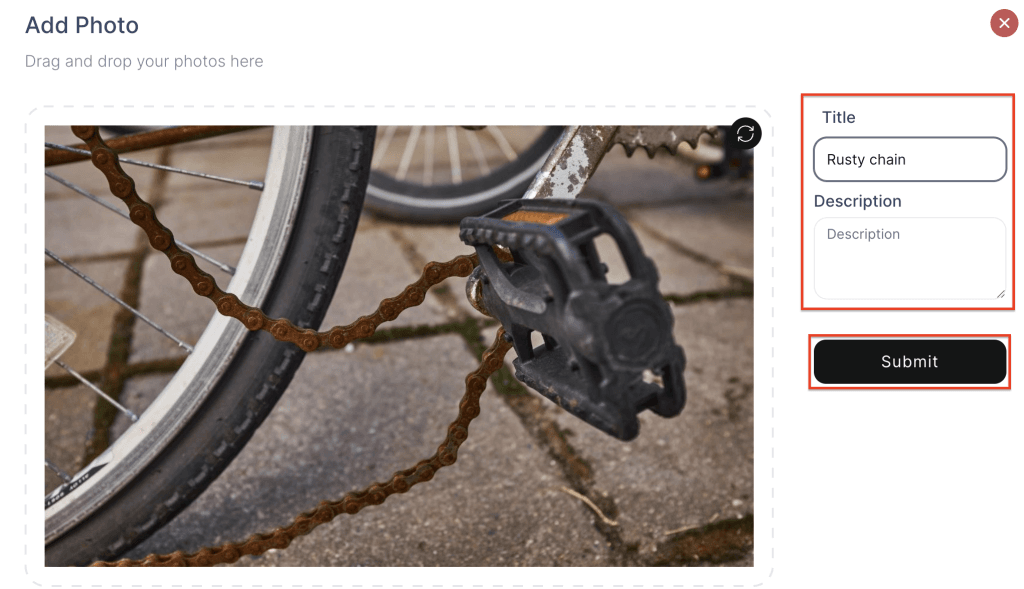
6. Click Submit to save the changes.