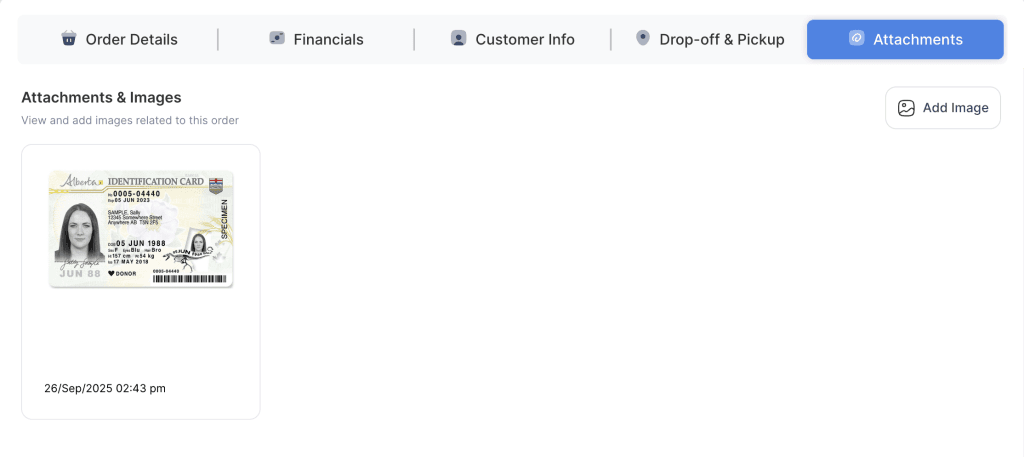
On the order form, pictures such as a driver’s license, photo ID, or any proof of identity can be attached while placing the order. These pictures will then be stored and linked to the order.
- Log in to your rental platform. From the left-side menu, select Orders → Rent Orders.


2. Search for the customer name or order number in the search box.
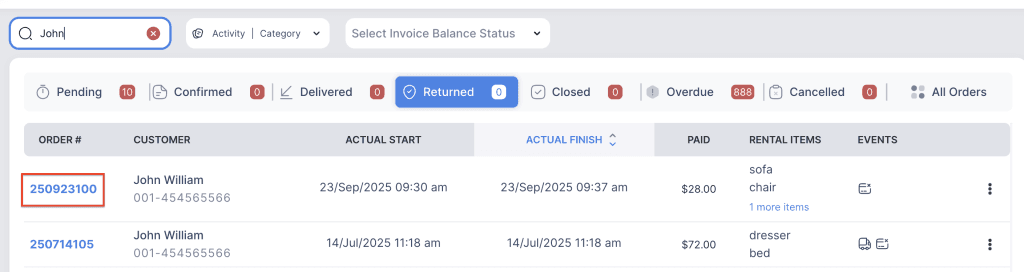
3. Click on the order number to open the reservation and go to Attachments tab.

4. Any pictures uploaded are permanently linked to the order for reference.
NOTE: Pictures uploaded by the customer cannot be deleted by staff.